Project Online migration
Final weeks to migrate off Project Online
Microsoft Project Online retires on 30 September 2026. After that, your projects, history and reports are at risk. Altus is the purpose-built replacement and there's still time to migrate before the deadline if you start now.
why altus
Why is Altus a recommended Project Online replacement?

Comprehensive Project Online replacement
With 1:1 Project Online feature parity and purpose-built migration tools, Altus is designed to make migration quick and simple. Whether it's project data and custom fields, or Power BI reports, everything you need can come with you when you migrate to Altus.

Keep using MS Project Desktop
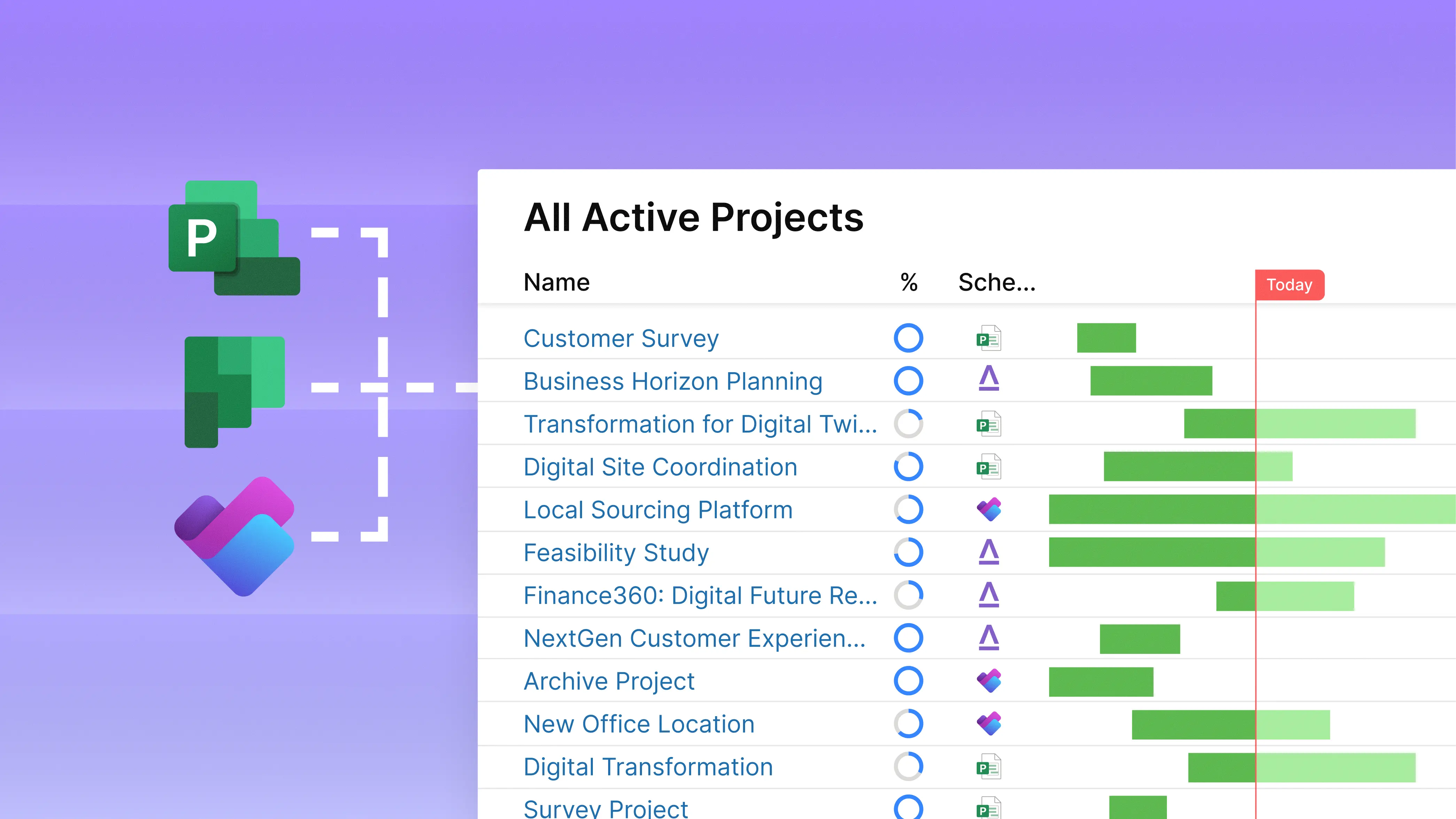
Altus is compatible with a range of scheduling tools, so you can keep using Project Desktop, plus you're no longer locked into one tool. Teams can choose the tool that suits them best, while Altus brings everything together in a single source of truth you can trust.
.svg)
A true Microsoft-native solution
Altus' unique architecture means it's securely deployed within your Microsoft tenant. Unlike other solutions, with Altus your data never leaves your Microsoft service boundary, and you always remain in control of the deployment.

Trusted migration partner network
Our partner network are experts in everything PPM, Project Online and Microsoft. With extensive experience across countless Project Online migrations, they're with you every step of the way to ensure a seamless migration process for your organisation.
There's still time to migrate before 30 September
A structured, fixed-price migration to Altus typically completes in under six weeks—often faster. You keep Microsoft Project Desktop, keep your history, and move with minimal disruption. Start now and you'll be settled in Altus well before Project Online closes.
feature comparison
Project Online & Altus feature comparison


Need help planning your migration?
We’ve put together a pack of Microsoft Project Online migration resources, including our migration guide and a recording of our recent Ask An Expert webinar in partnership with the team from Sensei.

how it works
Keep the tools your teams know.
Unify everything in Altus.
With Altus, you can keep Microsoft Project Desktop for complex schedules, Planner Basic for simpler schedules, Planner Premium for Medium complex schedules. Altus combines all schedules and unify insights and visibility. Additionally, you can finally manage your global resource pool across allschedules.
01
Migrate your Project Online data before September 2026
Whether you want to start fresh in Altus with your active projects, or bring across all your historical data and knowledge, there's a simple migration path for every organisation.
02
Work in MS Project Desktop, Planner or Planner Premium
The right tool for every project. Whether it's complex schedules that demand the full-featured capability of Project Desktop, or lightweight projects in Planner. Bring everything together in real-time with Altus.
03
Sync in real-time and manage reporting with Altus
With all the essential reports you need out-of-the-box, plus AI-powered status updates, you can create reports in minutes, not days.
book consultation
Planning a Project Online migration?
Book a 30-minute Project Online consultation with the Altus team today.
Understand your migration options
Expert guidance & consulting
Comprehensive Q&A
No commitment to sign up