microsoft ecosystem
Built inside Microsoft. Not alongside it.
Altus is deployed within your Microsoft 365 tenant, on the Power Platform, using infrastructure your IT team already manages. No new vendor to trust with your data. No separate system to secure or maintain.

what this means for you
Keep everything in your Microsoft tenant
Your data stays where it belongs
All Altus data is stored in Microsoft Dataverse, within your own tenant. It never passes through Altus servers or leaves the Microsoft security boundary. The governance you already have in place covers it.

More value from licences you already pay for
Altus runs on Power Platform components included in many Microsoft 365 plans. For most organisations, deploying Altus doesn't add a new platform cost. It extracts value from the investment already on your balance sheet.
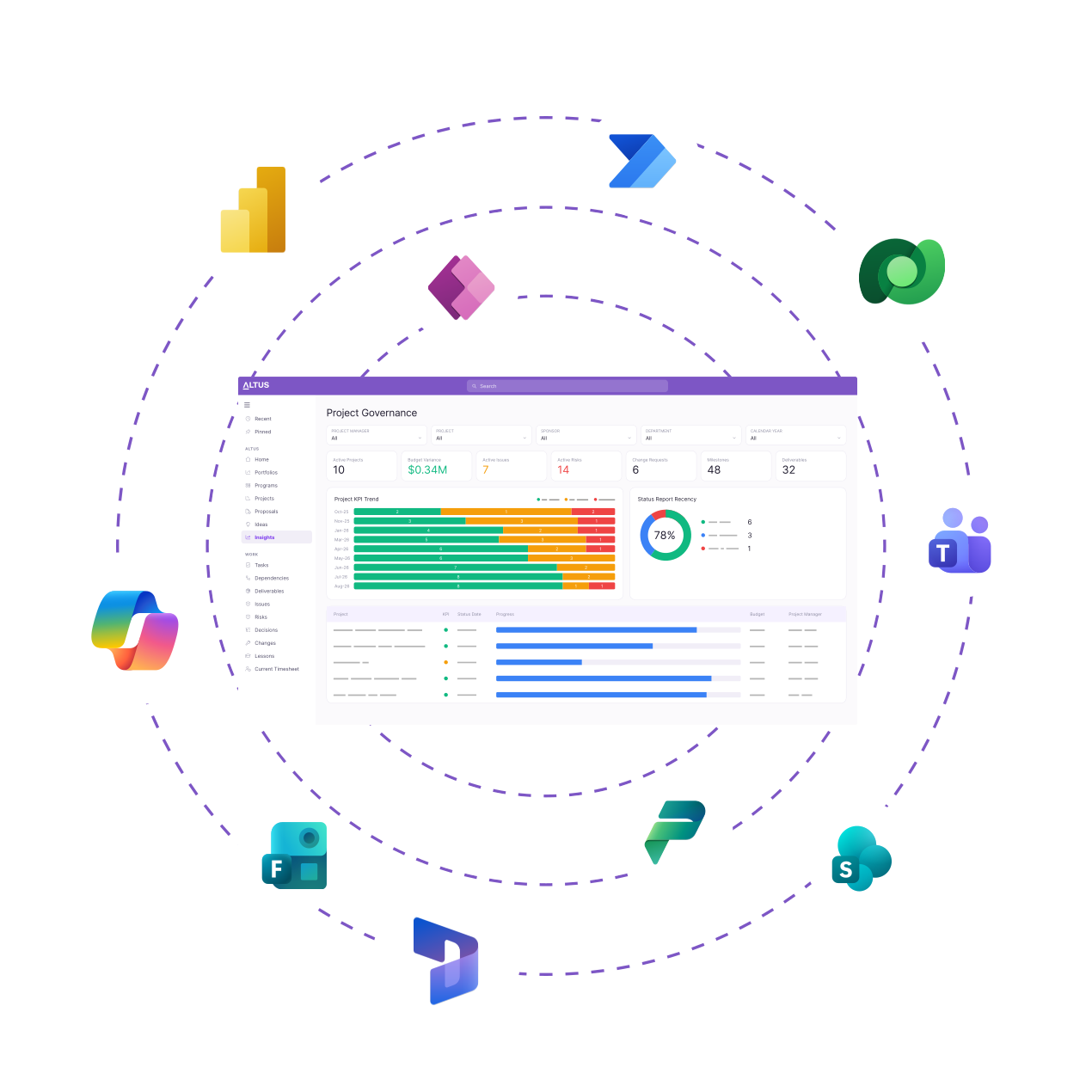
Your teams work in the tools they already know
Because Altus lives inside Microsoft, it connects natively to Teams, SharePoint, Word, Excel, and Power BI. Adoption is faster because there's less to learn and nothing new to log in to.

Security your IT team already understands

All data in Dataverse, in your tenant
Every piece of Altus data lives in Microsoft Dataverse inside your own tenant. Your security policies apply. Your access controls apply. Altus has no visibility of your data unless you explicitly grant it.

Your IT team controls the update cycle
Altus releases every two weeks, but your IT team decides when those updates reach your environment. Deploy on your schedule, test against your policies, and manage rollouts through the Altus Admin Portal.

GCC High compatible
For US federal agencies and other high-compliance environments, Altus meets the requirements of Microsoft's GCC High cloud. The highest Microsoft compliance tier, out of the box.
testimonials
"There has been a strong uptake of Altus across the department, with approximately 250 users and counting. The platform's user-friendliness and intuitiveness is one of the main reasons behind its adoption."

copilot enabled
AI-ready with Copilot enabled
Altus is Copilot enabled, which means AI works on your project data within your own Microsoft environment. No external AI service. No new data handling questions for IT to answer.
01
Status updates, drafted automatically
Copilot reads current project data and drafts the status narrative. Project managers review and send. The update is done before the meeting.
02
Risks surfaced from meeting notes
Paste in meeting minutes and Copilot identifies risks, actions, and decisions to add to the project register. No manual transcription.
03
Portfolio questions, answered on demand
Ask questions about project health, resource allocation, or strategic alignment in plain language. Copilot queries your Dataverse data and responds.
m365 Native
The integrations your teams will actually use

Altus for MS Project
Keep Project Desktop for complex schedules. Altus handles the portfolio layer above it. Two-way sync means resource data, costs, and actuals flow between the tools automatically. No double-entry, no reconciliation.
Altus for MS Word
Altus for Word connects live project data directly to your Word templates. Status reports populate from current data rather than being manually assembled. The report reflects where the project is today.

Altus for Power BI
Altus surfaces your portfolio data through optimised Power BI datasets and pre-built dashboards. Build custom reports in Power BI or use the out-of-the-box views. The data model is already done.
Altus for Microsoft Teams
Manage timesheets, receive notifications, and access project updates without leaving Teams. For teams who live in Teams, Altus is already where they work.
Frequently Asked Questions
Does Altus require any infrastructure outside of Microsoft?
No. Altus is deployed entirely within your Microsoft 365 tenant on the Power Platform. There are no external servers, no third-party databases, and no data that leaves the Microsoft security boundary.
How does Altus get through IT approval?
Faster than most PPM tools, for two reasons. The security review is shorter because everything lives in Dataverse within your existing tenant — the architecture is already familiar to your IT team. And there are no new vendor data-handling relationships to assess. Altus has no access to your data unless you explicitly grant it.
What Microsoft licences does Altus require?
Altus runs on the Microsoft Power Platform, which is included with many Microsoft 365 and Dynamics 365 plans. Depending on your existing licence structure, you may already have what you need. Your Altus implementation partner can confirm this during the scoping process.
Does Copilot in Altus send data to external AI services?
No. Microsoft Copilot in Altus operates within your Microsoft 365 tenant. Your project data is processed by Copilot within your own environment, under your existing Microsoft data governance policies.
Ready to unlock project success?
Schedule a demo to find out more about how Altus can help your organisation unlock project management success and reach your strategic goals.