Project Portfolio Management
Every project, resource, and schedule in one place, across all the tools your teams already use. Replace the spreadsheets and disconnected reports with a live picture of where work stands, what it costs, and whether it's on track.

Everything your PMO needs, in one place.
From day-to-day project delivery to portfolio dashboards and the schedules that drive them, Altus brings the full picture together.
Project management made easy
Built for simplicity and speed. Altus makes it easy to set up new projects, update tasks, and monitor progress without getting bogged down in admin. With everything just a click away, you’ll spend less time navigating software and more time delivering value.
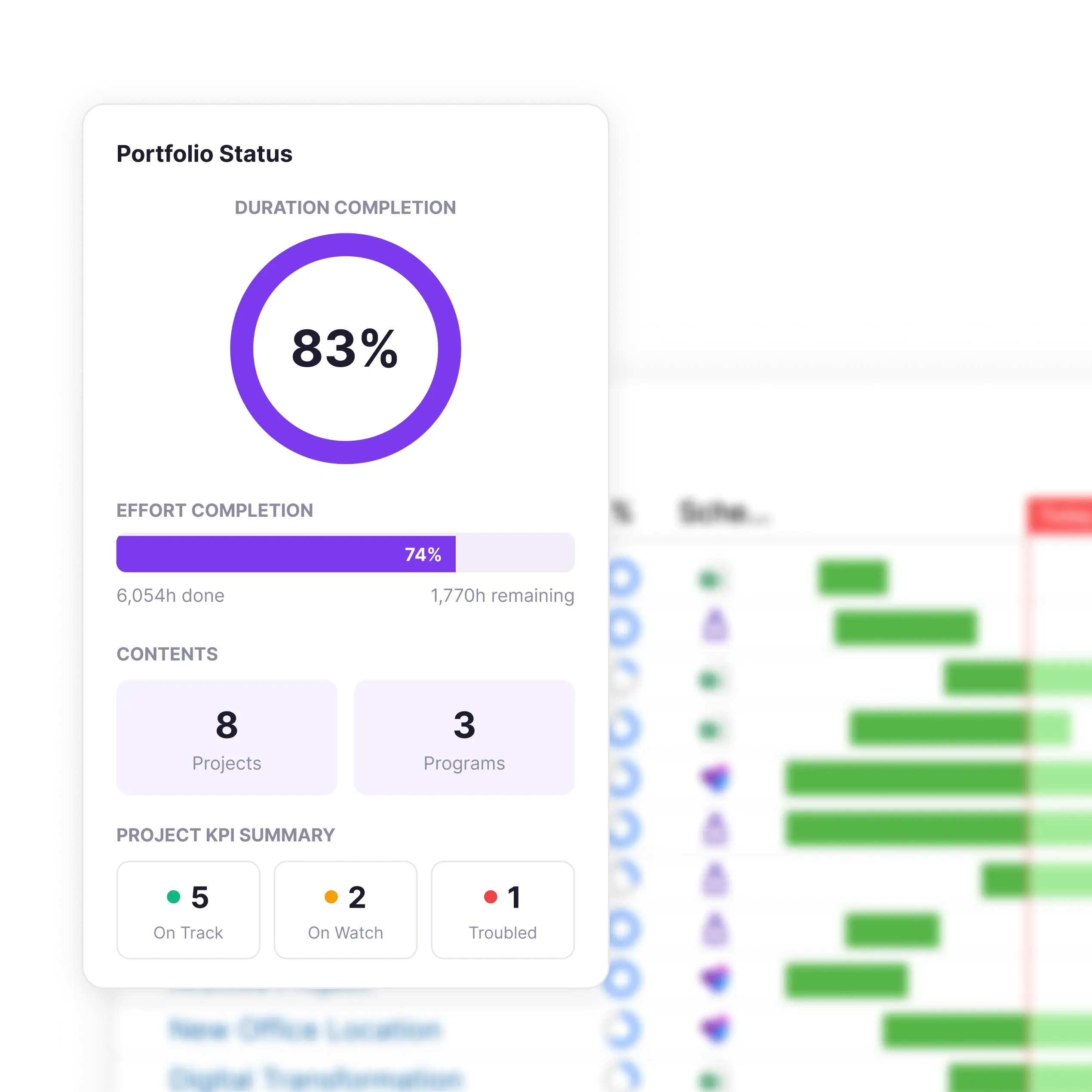
Real-time dashboards
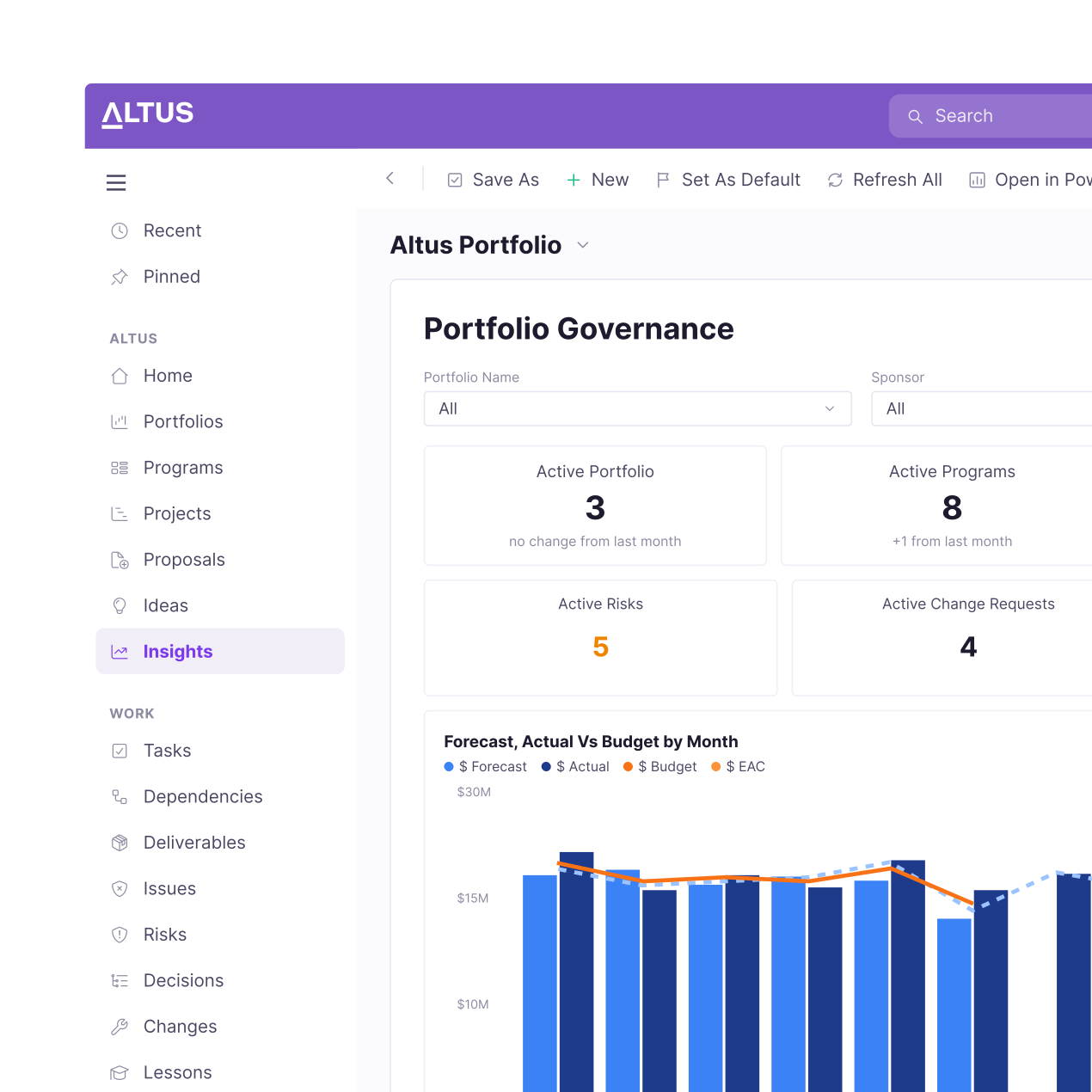
Gain instant visibility into every aspect of your project. Track milestones, monitor risks, and review resource allocation in real-time. Customisable reports ensure stakeholders always have the insights they need to make informed decisions and keep projects on track.
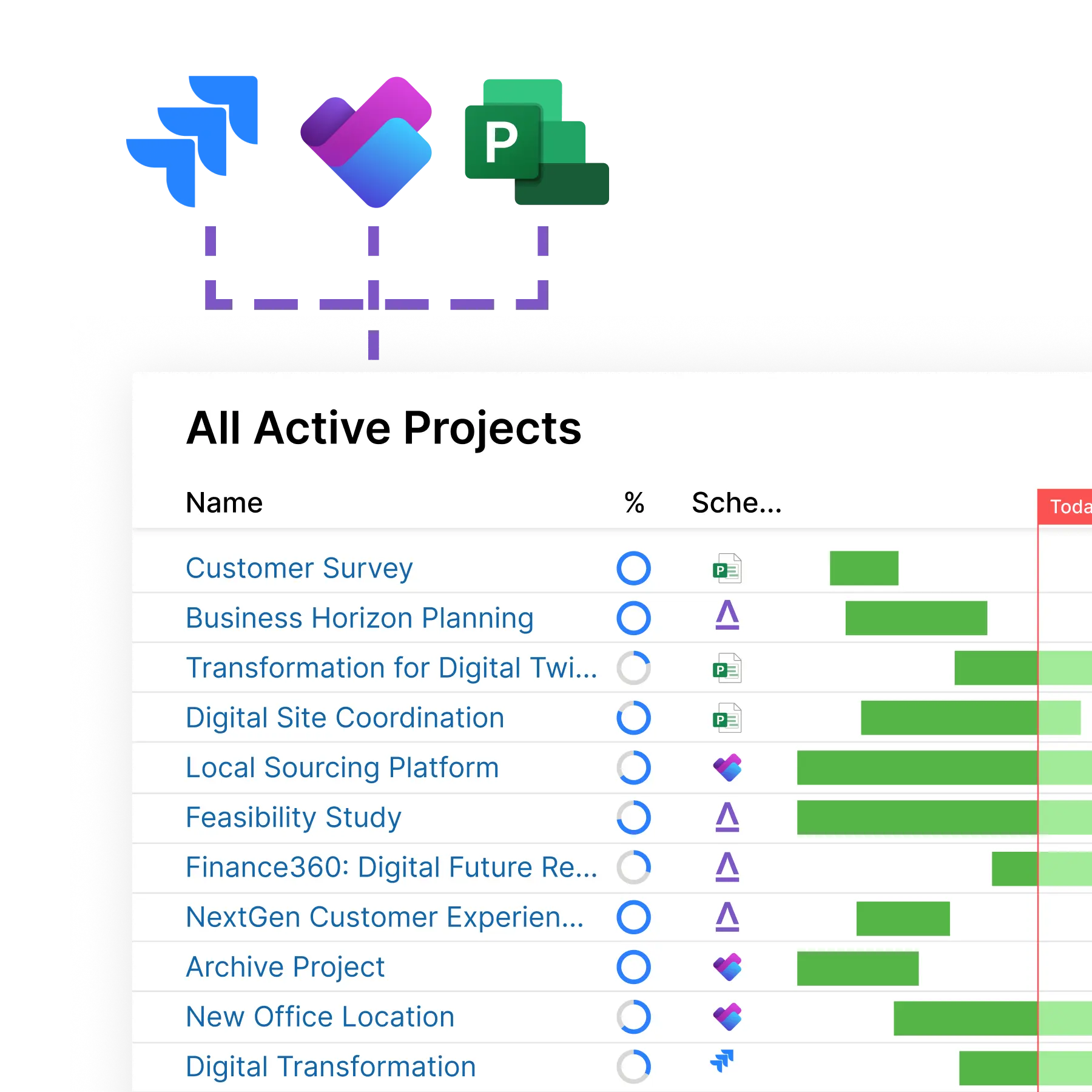
The right schedule for every project
Whether it’s complex schedules that demand the full-featured capability of Project Desktop, lightweight projects in Planner, or a third-party tool like Jira. With Altus, your teams can work in the tool that makes sense for them, while Altus brings everything together in a single source of truth, in real-time.
testimonials
Before adopting Altus with Sensei, it was difficult for project managers to not only control their initiatives, but also report up through the organisation. As we were using a variety of tools, including spreadsheets, we would spend a lot of time on reporting, sometimes in response to the different needs of different audiences.

AI-driven PPM for Microsoft 365
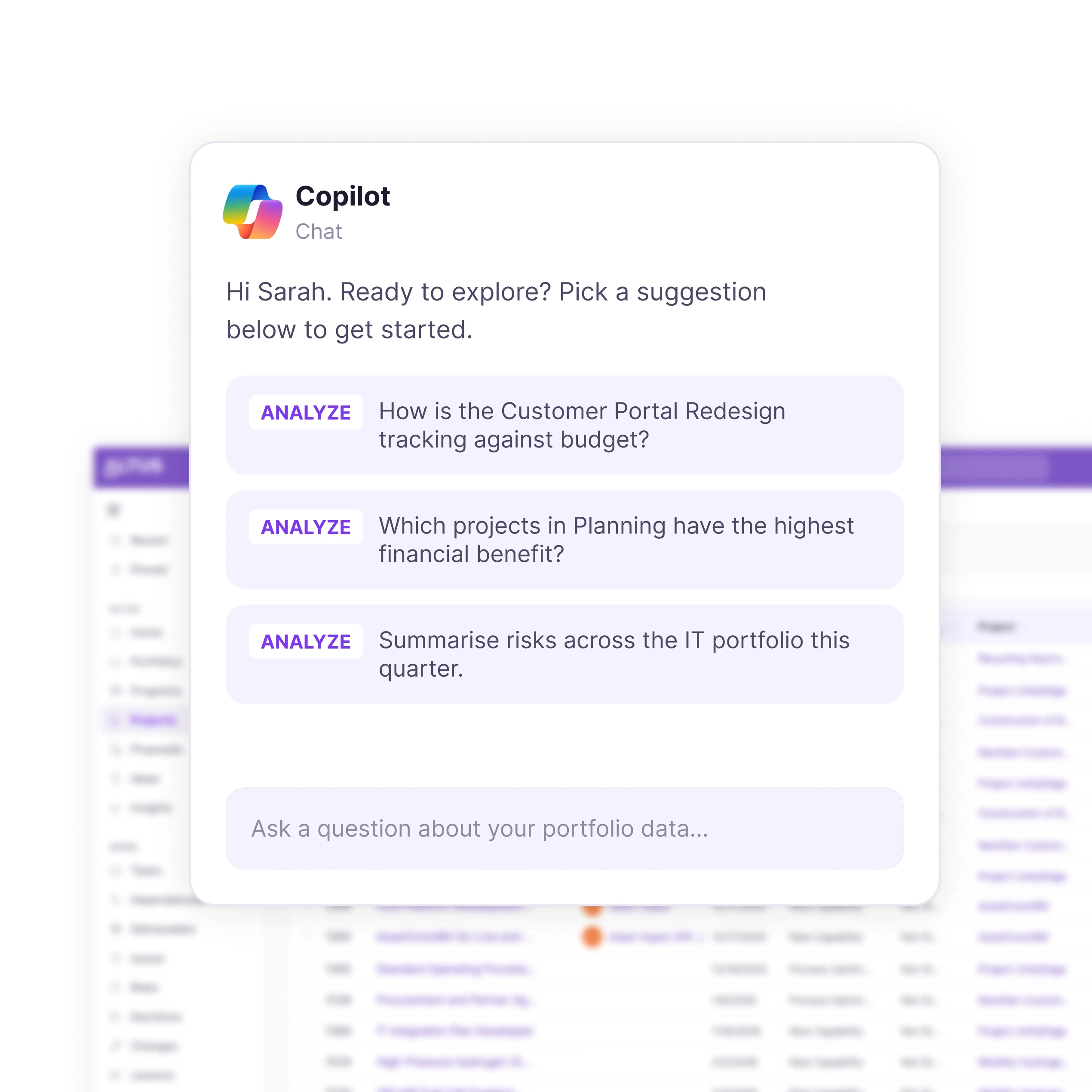
Copilot enabled, future ready
Altus is built for the future of project management, with Microsoft Copilot enabled. Intelligent AI automation enables you to eliminate administrative burden and focus on delivering value through your projects. Best of all, it’s deployed securely within your Microsoft tenant.
features
The depth a real PMO needs, not just the basics

Financials
Manage budgets, forecasts and actuals across your projects in Altus or integrate with your existing finance platforms.

Benefits
Empower project managers to identify, record and align projects with identified and delivered benefits.

Document management
Work in the Microsoft platforms you're already in, like Word, Excel and Teams, so documents are always where you need them.

Resource bookings
Comprehensive resource management and booking in Altus, no matter what scheduling tool your teams use currently.

Scheduling
Manage schedules in Altus, or any combination of platforms that suit the way your teams work, including MS Project, Planner, Jira and more.

Status updates
Create updates in minutes, with the help of Copilot. So you can keep everyone updated, without endless hours of administration.

Registers
Manage RAID registers in Altus, including Risks, Issues, Decisions, Deliverables and Lessons Learned.
Status reports
Customised to your organisation and stakeholders, Altus makes reporting a breeze. Delivering tailored reports to your stakeholders.
Frequently Asked Questions
Can Altus support different project scheduling tools?
Yes. Altus supports a mix of scheduling tools at the same time. Teams can continue working in Microsoft Project for complex schedules, Planner for lightweight work, or third-party tools like Jira. Altus consolidates this information in real time so portfolios can be managed centrally without forcing teams into a single tool.
How does Altus work with Microsoft 365?
Altus is deployed securely within your Microsoft tenant and works with tools your teams already use, including Microsoft Teams, Word, Excel and Power BI. Documents stay in familiar Microsoft locations rather than being locked inside another system.
Is Altus suitable for organisations moving away from Microsoft Project Online?
Yes. Altus supports organisations transitioning from Microsoft Project Online by combining portfolio management with continued support for Microsoft Project desktop schedules. This allows teams to modernise portfolio management without starting from scratch.
Interested? Schedule your demo today
Find out how Altus can level up your project management with just a 30 minute demo.