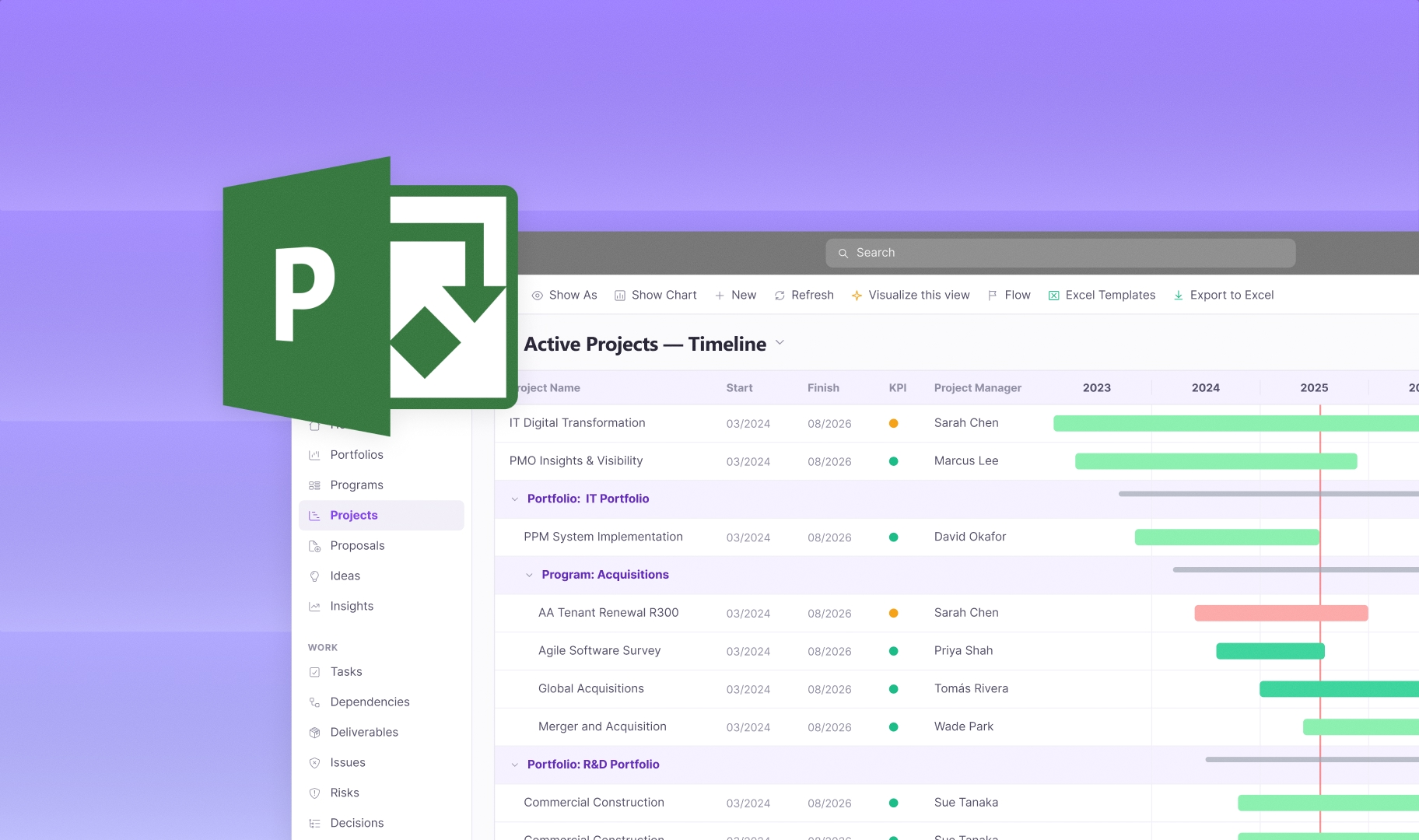
Microsoft Project Online is retiring: your migration options
Microsoft Project Online retires on 30 September 2026. After that date, you'll no longer be able to access your projects or the data stored in the service, so if your organisation runs on Project Online, you need a migration plan before the deadline. This guide covers what's happening, what to look for in a replacement, and how a migration works.
What's happening, and when
Microsoft has confirmed a firm retirement timeline for Project Online, driven by its legacy architecture (built on older SharePoint workflows) which Microsoft says limits the modern, AI-powered capabilities it wants to deliver across Microsoft 365. The key dates:
- 1 October 2025: sales of Project Online-only licences ended. No new licences are sold after this point.
- 1 April 2026: existing customers can no longer create new Project Online tenants.
- 30 September 2026: Project Online officially retires. After this date, the service and its data are no longer accessible.
A few things are not affected, and it's worth being clear on them: Project desktop (the Windows client) continues, Project Server Subscription Edition remains supported for on-premises setups, and this is separate from the earlier retirement of Project for the web, whose features moved into Planner in 2025.
This is a hard stop, not a phased wind-down. There's no in-place upgrade path, so every Project Online customer needs to move to a successor before the date, and to export or migrate their data beforehand to avoid losing it.
Why organisations are looking beyond Microsoft's default path
Microsoft is pointing customers toward Planner (with premium capabilities), Project Server Subscription Edition, and Dynamics 365 Project Operations. Each suits some teams. But many organisations that relied on Project Online for portfolio governance, resource planning, demand intake, and multi-project reporting find that the default successors don't fully replace what they had. Planner Premium has added scheduling features like baselines, dependencies, and Gantt charts, but for a PMO running a complex portfolio, replacing Project Online is a portfolio-management decision, bigger than a scheduling-tool swap.
That's why the retirement is prompting a broader look. If you have to migrate anyway, it's a natural moment to ask whether the replacement should do more than Project Online did, not less.
What to look for in a replacement
If you're evaluating replacements, weight these heavily:
Microsoft-ecosystem continuity. If your organisation is committed to Microsoft, a replacement that keeps you inside that ecosystem preserves your existing investment, skills, and integrations. Moving to an entirely separate platform means a bigger change than the migration itself demands.
Data sovereignty. Project Online kept your data within your Microsoft environment. A replacement that also keeps portfolio data in your own tenant preserves that, which matters for regulated or security-conscious organisations that may have chosen Project Online partly for this reason.
Portfolio-level capability. If you used Project Online for genuine portfolio management, resource optimisation, demand management, portfolio reporting, make sure the replacement matches that, rather than being a project-scheduling tool that leaves you short at portfolio level.
A real migration path. Your Project Online data (projects, schedules, custom fields, reporting) needs to come across. Check how the replacement handles migration and what's involved.
How a migration works
Moving off Project Online is a project in itself, and industry guidance suggests it can take a number of weeks, so starting early matters. The broad shape:
- Assess. Inventory what you have in Project Online: projects, schedules, custom fields, reports, and the governance processes built around them. Categorise projects by complexity so you know what needs to move and what can be simplified.
- Choose the destination. Evaluate replacements against your requirements (the criteria above), and involve the PMO, IT, and leadership in the decision.
- Migrate the data. Export or migrate your projects and associated data before the retirement date. This is the step with the hard deadline; leave enough time.
- Transition and embed. Move your teams and governance processes onto the new platform, and make sure reporting and ways of working are re-established before Project Online goes dark.
The key point on timing: with a fixed September 2026 deadline and a migration that takes weeks, this isn't something to leave until the summer. Planning now avoids a rushed migration and the risk of data loss.
Altus as a Project Online replacement
Altus is a project portfolio management platform built natively on the Microsoft Power Platform and deployed inside your organisation's own Microsoft 365 environment. For Project Online users, that combination lines up with the criteria above: you stay in the Microsoft ecosystem, your portfolio data stays in your own tenant, and you get portfolio-level capability, resource management, portfolio visibility, and strategic alignment, that matches what a PMO relied on Project Online to provide.
If you're planning your move off Project Online and want to stay Microsoft-native while keeping your data in your own environment, it's worth a conversation.
Frequently asked questions
Is Microsoft Project Online being discontinued?
Yes. Microsoft has confirmed Project Online retires on 30 September 2026, after which the service and its data will no longer be accessible.
What replaces Project Online?
Microsoft points customers toward Planner (premium), Project Server Subscription Edition, and Dynamics 365 Project Operations. Organisations needing full portfolio management often evaluate dedicated PPM platforms, especially Microsoft-native ones, as replacements.
Can I migrate my Project Online data?
Yes, but you must export or migrate it before the retirement date, as access ends on 30 September 2026. Migration can take several weeks, so plan early.
Is Project desktop affected?
No. The retirement applies to Project Online (the cloud/PWA service). Project desktop and Project Server Subscription Edition are not affected.
Ready to unlock project success?
Schedule a demo to find out more about how Altus can help your organisation unlock project management success and reach your strategic goals.