AI-driven PPM for Microsoft 365
All your projects. One platform.
Altus brings together project data and schedules from every tool and platform, giving PMOs a unified real-time view of your organisation. Purpose-built for Microsoft 365 environments, so you can focus on driving results, not chasing data.










Project Portfolio Management
Seamless integration with the tools your teams already use, to align project management across your organisation. Maximise your efficiency with the power of AI and Microsoft Copilot.
Strategic Portfolio Management
Prioritise, evaluate and optimise initiatives, to turn strategic insights into actionable plans, and align your portfolio with what matters most to your organisation.
Resource Management
Built for simplicity and speed. Altus’ intuitive interface makes it easy to set up new projects, update tasks, and monitor progress without getting bogged down in admin.
time is running out
Rapid Project Online migrations
Don't lose your data when Microsoft Project Online retires on September 30, 2026. Our purpose-built tooling and proven migration process can get you out of Project Online and into Altus before it's too late.
case studies
Trusted by global Microsoft enterprises







The platform
Built for the realities of the modern PMO.
From real-time visibility to strategic decisions.
See the full picture
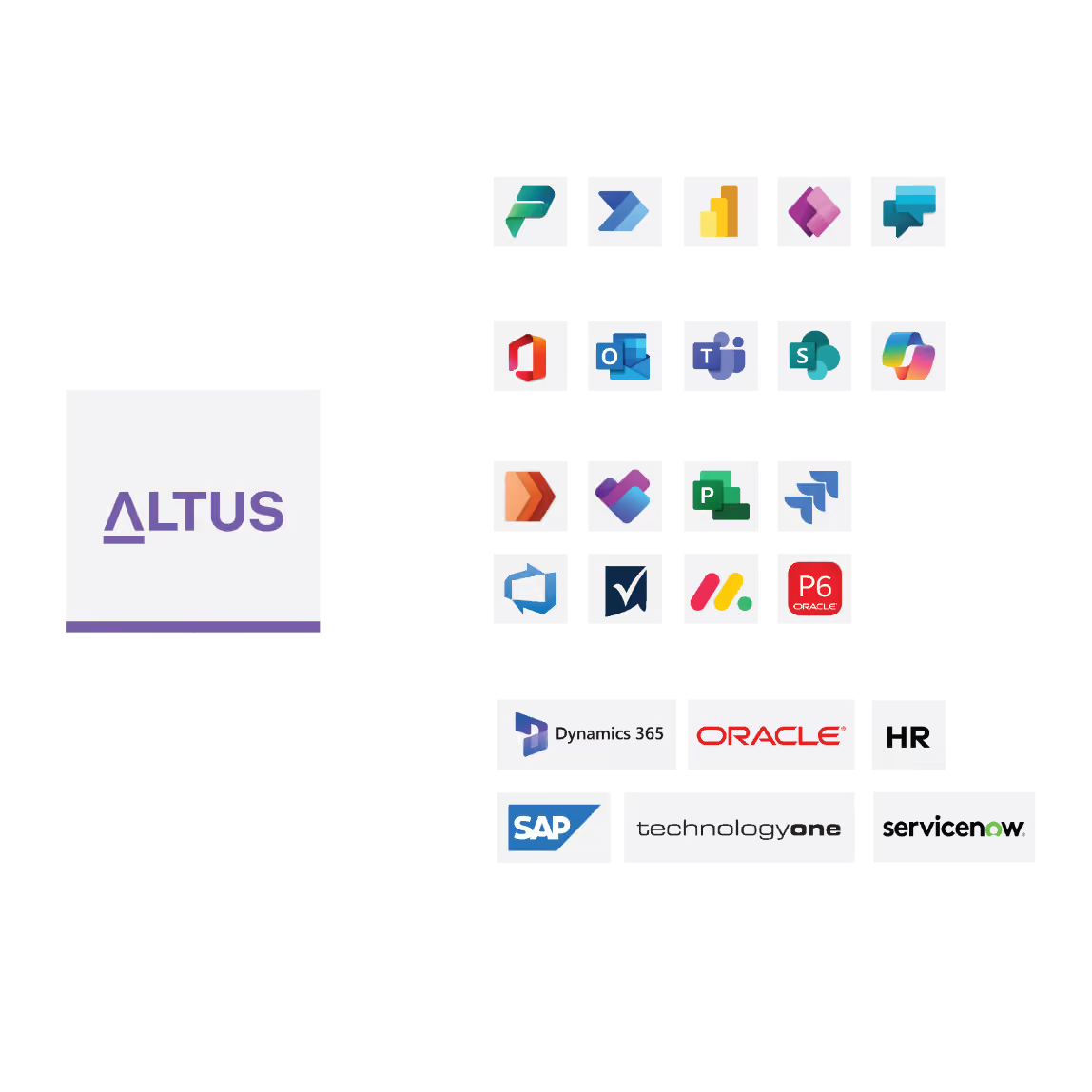
Connect all the tools your team uses, no matter the schedule or platform. Altus gives you a centralised real-time source of truth that brings true visibility.
Connect strategy to execution
Make strategy part of your regular process. With goals, prioritisation, optimisation and benefits realisation, make smarter decisions that move the strategic needle.
Eliminate manual reporting headaches
Automated workflows and a comprehensive suite of reports and dashboards out-of-the-box reduce reporting admin from weeks to minutes.
results
Altus gives your team an unfair advantage
01
Efficiency gain in project initiation and management
02
Accuracy in estimation forecast
03
Less time spent generating reports
04
Reduction in error rates across projects
Purpose-built for Microsoft 365
Altus’ unique architecture means it is securely deployed within your Microsoft tenant. Built on the Microsoft Power Platform, Altus utilises Model-Driven Apps, Power Automate Flows, Business Process Flows and Power BI, all leveraging the Dataverse for data and analytics. It is fully integrated with Microsoft Teams, harnesses the power of AI with Copilot.

From Projects to Strategy
Our plans align to your organisation’s project management maturity level, enabling you to grow as your maturity builds.
Project
Our plans align to your organisation’s project management maturity level, enabling you to grow as your maturity builds.
Task management
Project management
Schedule management
Reports & dashboards
Unlimited environments
Integration templates
Portfolio
For organisations that need to monitor and manage workloads and accurately forward plan capacity.
Everything in Project, plus:
Program management
Portfolio management
Timesheet management
Resource Management
Resource plans
Strategy
For organisations that manage programs, portfolios, and resources, and want access to everything Altus has to offer.
Everything in Portfolio, plus:
Strategic goal tracking
Strategic prioritisation
Benefit realisation management
Frequently Asked Questions
Can Altus support different project scheduling tools?
Yes. Altus supports a mix of scheduling tools at the same time. Teams can continue working in Microsoft Project for complex schedules, Planner for lightweight work, or third-party tools like Jira. Altus consolidates this information in real time so portfolios can be managed centrally without forcing teams into a single tool.
Does Altus require any infrastructure outside of Microsoft?
No. Altus is deployed entirely within your Microsoft 365 tenant on the Power Platform. There are no external servers, no third-party databases, and no data that leaves the Microsoft security boundary.
How does Altus work with Microsoft 365?
Altus is deployed securely within your Microsoft tenant and works with tools your teams already use, including Microsoft Teams, Word, Excel and Power BI. Documents stay in familiar Microsoft locations rather than being locked inside another system.
How does Altus get through IT approval?
Faster than most PPM tools, for two reasons. The security review is shorter because everything lives in Dataverse within your existing tenant — the architecture is already familiar to your IT team. And there are no new vendor data-handling relationships to assess. Altus has no access to your data unless you explicitly grant it.
Is Altus suitable for organisations moving away from Microsoft Project Online?
Yes. Altus supports organisations transitioning from Microsoft Project Online by combining portfolio management with continued support for Microsoft Project desktop schedules. This allows teams to modernise portfolio management without starting from scratch.
What Microsoft licences does Altus require?
Altus runs on the Microsoft Power Platform, which is included with many Microsoft 365 and Dynamics 365 plans. Depending on your existing licence structure, you may already have what you need. Your Altus implementation partner can confirm this during the scoping process.
Does Copilot in Altus send data to external AI services?
No. Microsoft Copilot in Altus operates within your Microsoft 365 tenant. Your project data is processed by Copilot within your own environment, under your existing Microsoft data governance policies.
Ready to unlock project success?
Schedule a demo to find out more about how Altus can help your organisation unlock project management success and reach your strategic goals.