
This month’s release adds a new way to start your day in Altus, tighter synchronisation between Microsoft Project and Altus, and a quality-of-life improvement for anyone working across optimisation scenarios.
Choose how users start their day
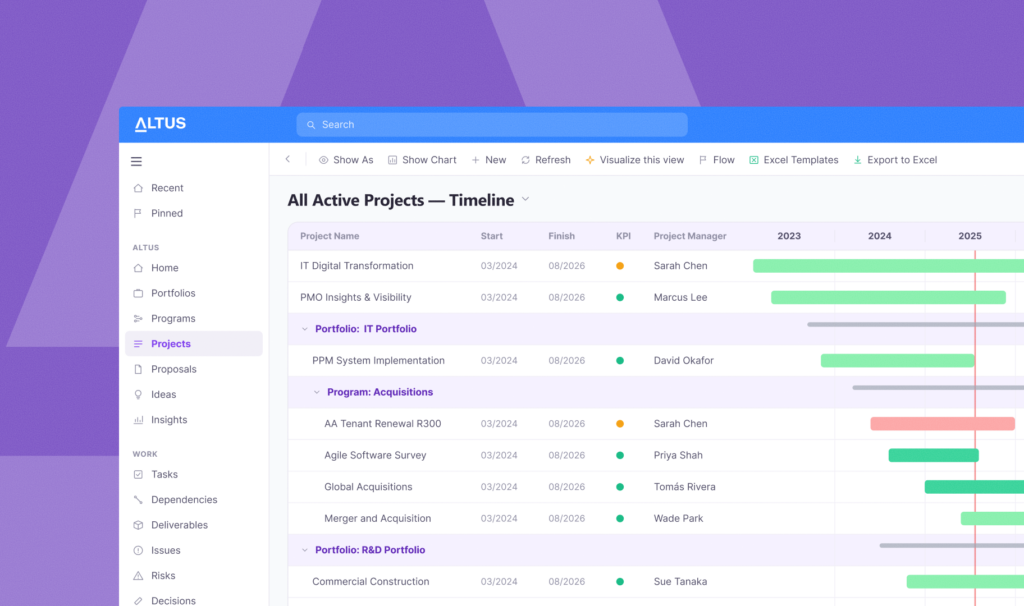
The original Altus Landing Page continues to serve as a navigation hub, giving users quick access to the areas of Altus most relevant to them. Alongside it, this release introduces My Work, a new experience that shows users their assigned tasks, actions, and upcoming work as soon as they log in, so they can focus on what needs their attention.
Organisations can switch between the two experiences depending on what suits their roles and ways of working. Some teams want a navigation hub; others want a work-focused dashboard. Altus now supports both.
Smarter calendar sync for Microsoft Project
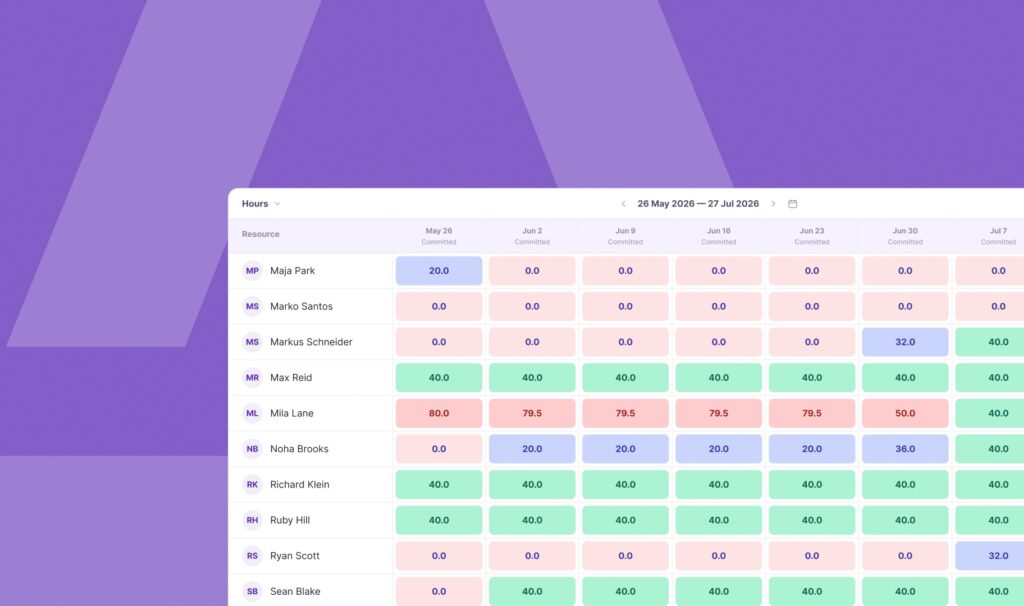
When a Microsoft Project schedule is connected to Altus, Altus for Project now automatically checks for differences in calendars, working time, and resource rates, and updates your project schedule resource pool accordingly.
This means less manual checking, fewer surprises, and more confidence that everyone is working from the same information. The connection between Project and Altus maintains itself rather than relying on someone to spot the discrepancies.
Persistent zoom on Optimisation Scenario gantts
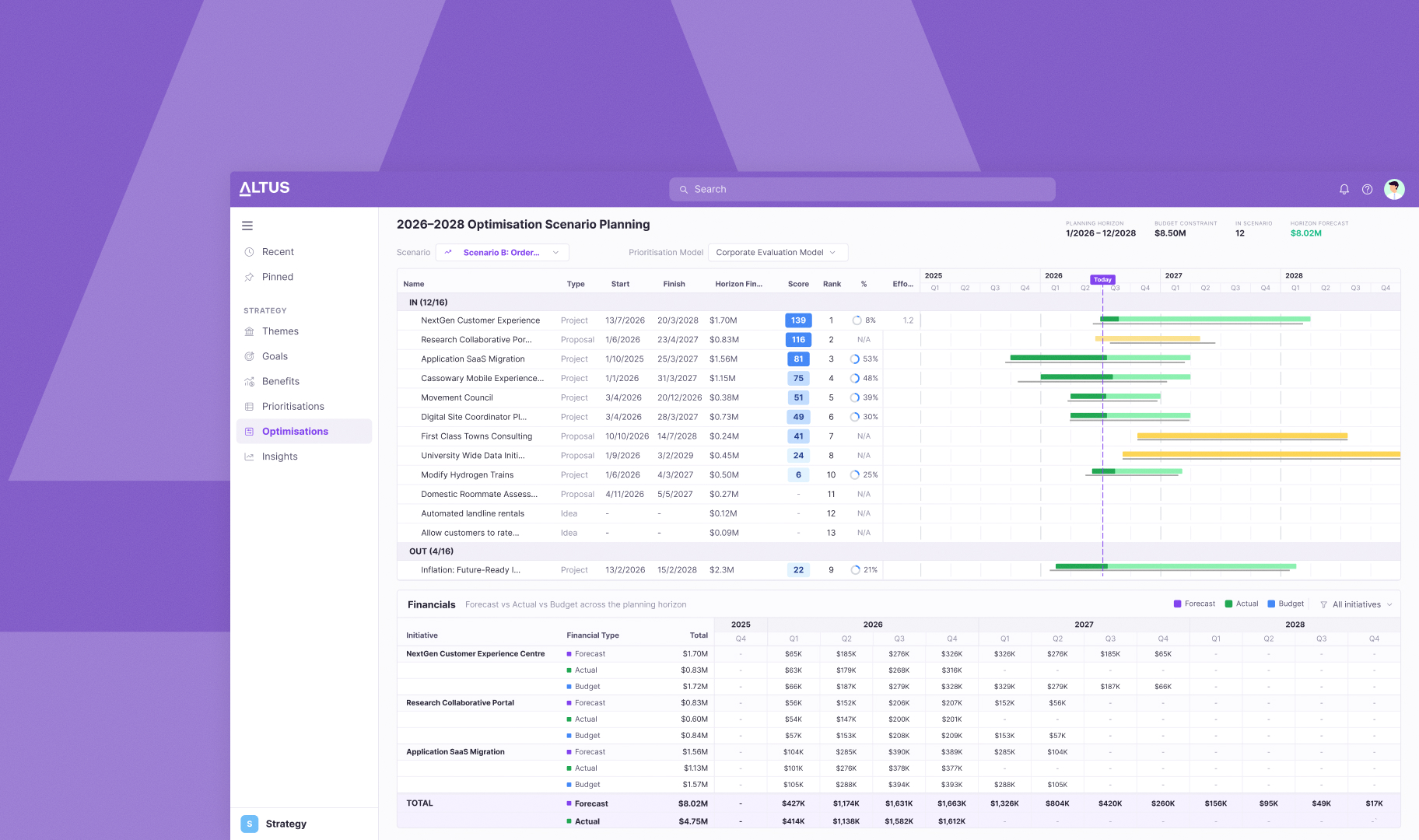
When you work across multiple optimisation scenarios, Altus now remembers how you were viewing each one: your zoom level, scroll position, and place in the plan. Return to a scenario and everything is restored automatically, with no resetting, reorienting, or wasted clicks.
Staying Connected
Your feedback continues to shape the direction of Altus. You can follow our roadmap on the Altus website, and if you’d like to know more about any of these updates, contact your Altus representative or certified Altus partner.