
Project teams work in different ways, use different tools, and follow different processes. One of the most common sources of friction is being forced to adapt to a system that does not reflect how work actually happens.
The February 2026 Altus release focuses on reducing that friction. These updates give teams more flexibility in how they schedule work, manage documents, and interact with tools they already use, while keeping everything connected and governed.
Schedules that fit how you work
Not every organisation runs projects the same way, and schedules should reflect that.
Altus schedules already include the core fields teams expect, such as dates, effort, duration, and resource assignments. In February, we extended this by allowing custom task fields to be added directly into the schedule grid.
This means teams can capture additional information that matters to them, without being constrained by a fixed structure. Because these fields are available in the grid, users can update them using in‑line editing without switching between screens. The result is a schedule that feels more natural to work in and quicker to maintain.
Clearer understanding without interrupting your flow
Confusion around field meanings can slow teams down and lead to inconsistent data.
To address this, Altus now includes smart tooltips directly within Altus Tasks. When you see a field and are unsure what it represents, you can click the information icon and get a clear explanation immediately.
There is no need to search documentation, ask colleagues, or leave the screen you are working in. This helps users stay focused while improving consistency and data quality.
Fewer disruptions when updates are centrally managed
Many organisations manage updates and deployments centrally through IT teams. In these environments, update prompts can become a distraction, especially when users are unable to act on them.
Altus for Project now allows organisations to suppress update notifications when updates are centrally controlled. This reduces unnecessary interruptions and helps users stay focused on their work, rather than responding to prompts they cannot resolve.
Project documents that match your existing structure
Document management varies widely between organisations, and forcing teams to move files can create confusion and duplication.
Altus now allows you to choose the documents location for your projects. Instead of moving files into a new structure, you can link projects directly to the SharePoint folder your team already uses.
This helps teams maintain familiar working practices while keeping project information connected to Altus, reducing the effort involved in managing documentation.
Work with schedules wherever they live
Project schedules are not always stored in the same place, and that should not limit how teams work.
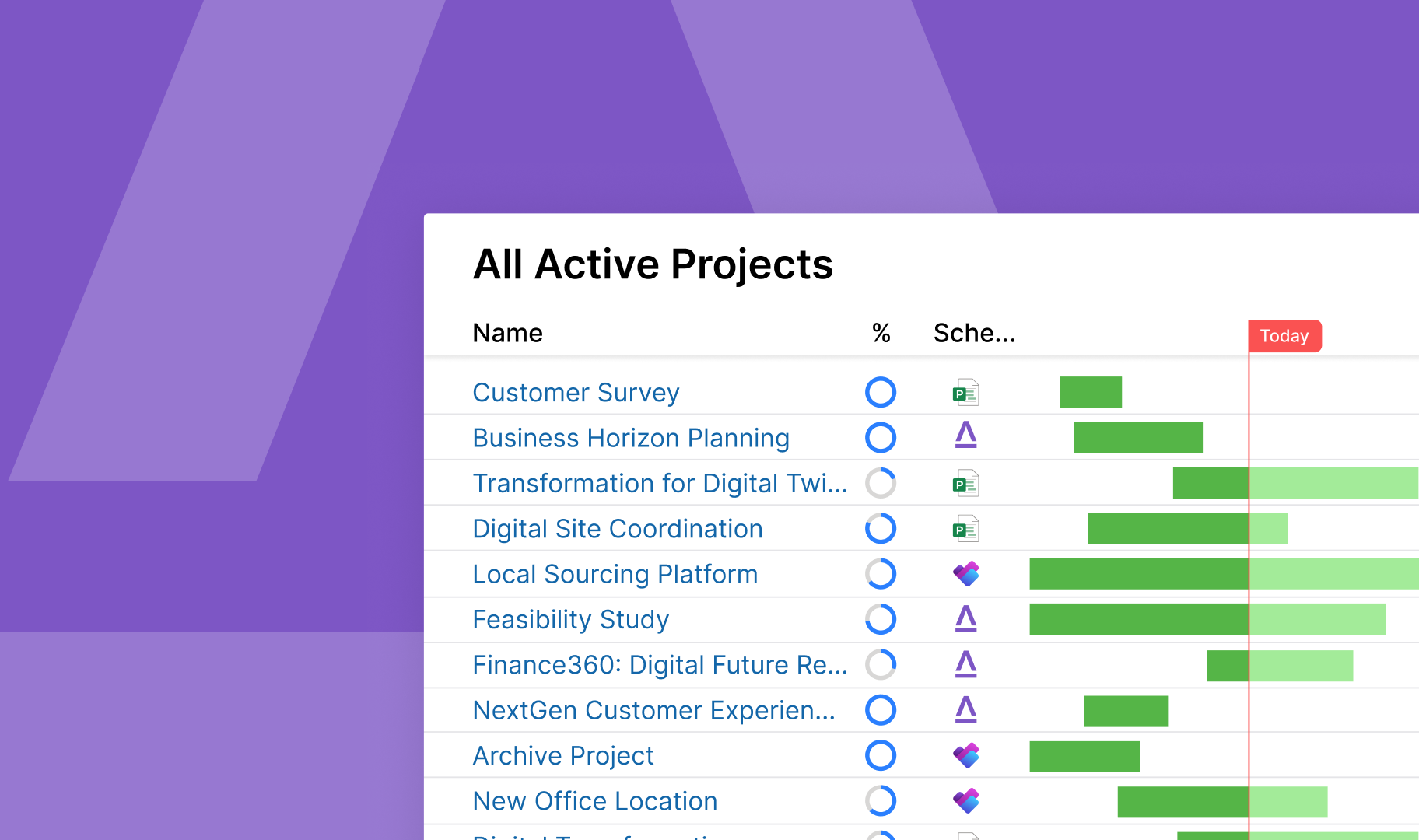
Altus for Project now works seamlessly whether your Microsoft Project plan is stored on a local device, in OneDrive, or in SharePoint. There is no need to move or copy files, and no requirement to change established processes.
This gives teams the flexibility to work with schedules in the locations that make sense for them, while still benefiting from the integration and visibility Altus provides.
Looking ahead
The February release continues a strong focus on flexibility and reducing everyday friction for users. These improvements help teams work more efficiently within their existing tools and processes, rather than around them.
Looking forward, our next release will introduce Project Online data migration tools and guidance to support organisations planning their transition. More details will be shared in the upcoming update.
As always, customer feedback plays a key role in shaping Altus. To learn more about these updates, explore the roadmap on our website or speak with your Altus representative or certified Altus partner.