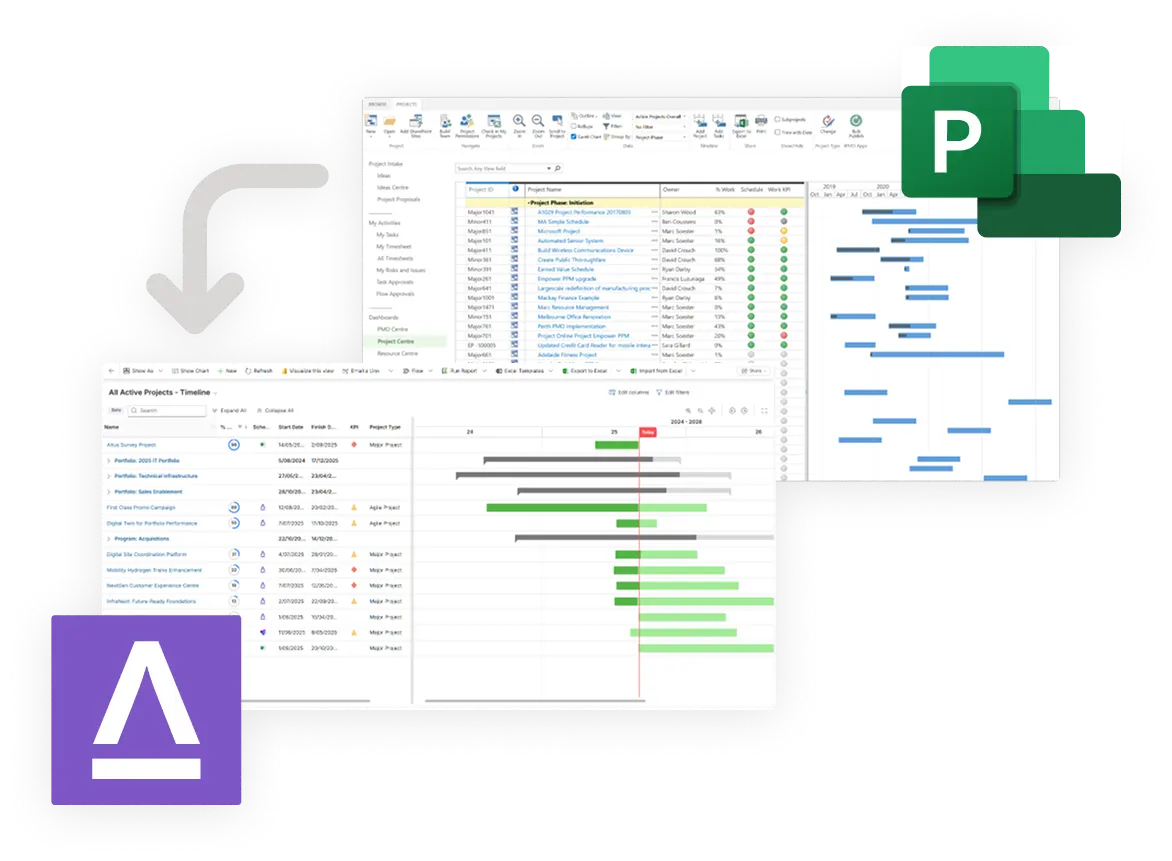












It’s official, Microsoft Project Online will retire on September 30, 2026. If you’re looking for a Project Online replacement, look no further than Altus!

Microsoft Project Online Migration

Why is Altus a recommended Project Online replacement?

Comprehensive Project Online Replacement

With 1:1 Project Online feature parity and purpose-built migration tools, Altus is designed to makes migration quick and simple. Whether it's project data and custom fields, or Power BI reports, everything you need can come with you when you migrate to Altus.

Keep using MS Project Desktop

Altus is compatible with a range of scheduling tools, so you can keep using Project Desktop, plus you're no longer locked into one tool. Teams can choose the tool that suits them best, while Altus brings everything together in a single source of truth you can trust

A true Microsoft-native solution

Altus' unique architecture means it's securely deployed within your Microsoft tenant. Unlike other solutions, with Altus your data never leaves your Microsoft service boundary, and you always remain in control of the deployment.

Trusted migration partner network

Our partner network are experts in everything PPM, Project Online and Microsoft. With extensive experience across countless Project Online migrations, they're with you ever step of the way to ensure a seamless migration process for your organisation.

Looking for fast, cost-effective migration?

Move from Project Online to Altus with a structured, six week fixed‑price migration, minimal disruption and keep using Microsoft Project Desktop.

Project Online & Altus Feature Comparison

Feature Microsoft Project Online
Project Online
Altus
Altus
Project Management
Project Scheduling
Gantt charts, dependencies and baselines
✔️ ✔️
Financials
Time-phased project financials
✔️ ✔️
Timesheets & Time Tracking ✔️ ✔️
Issue & Risk Management ✔️ ✔️
Power BI Reporting Integration ✔️ ✔️
Document Management ✔️ ✔️
Task Management
Board and sprints
✔️ ✔️
External Scheduling and Task Management System Integrations
Microsoft Project Desktop, Planner Premium & Basic, Jira, Azure DevOps etc.
- ✔️
External Finance System Integrations - ✔️
Microsoft Teams Integration - ✔️
AI-Powered Assistance via Microsoft Copilot - ✔️
Resource Management
Demand Management
Project intake and approval
✔️ ✔️
Central Resource Pool ✔️ ✔️
Skills ✔️ ✔️
Capacity vs Demand Views ✔️ ✔️
Generic Resources ✔️ ✔️
Resource Allocations ✔️ ✔️
Resource Rates ✔️ ✔️
Enterprise Calendars ✔️ ✔️
Scenario Planning (Resource Workload) ✔️ ✔️
Resource Heatmaps ✔️ ✔️
External HR System Integrations - ✔️
Portfolio/Program & Strategic Management
Program & Portfolio Management
Grouping projects
- ✔️
Prioritisation ✔️ ✔️
Scenario Planning (Schedule) ✔️ ✔️
Proposal Management - ✔️
Strategic Alignment & Benefits Tracking - ✔️

For Life Without Barriers, Altus has provided everyone from ‘informal’ project managers to seasoned project professionals with a standardised platform that takes care of their initiatives, resulting in more accurate and complete information about work underway across its operations.

Migration Case Study

The successor to Project Online

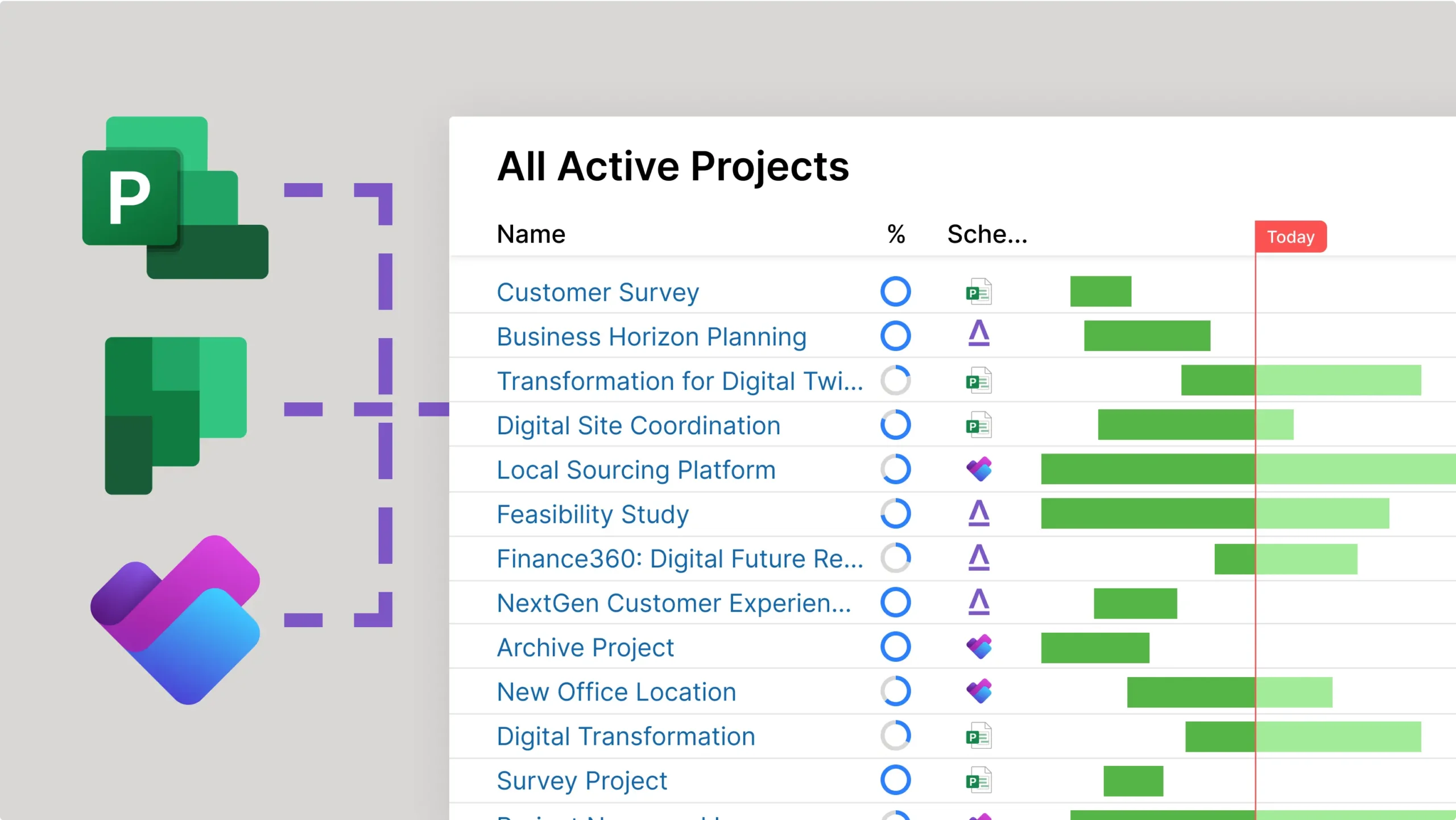
With Altus, you can keep Microsoft Project Desktop for complex schedules, Planner Basic for simpler schedules, Planner Premium for Medium complex schedules. Altus combines all schedules and unify insights and visibility. Additionally, you can finally manage your global resource pool across ALL schedules.

Migrate your Project Online data before September 2026

Whether you want to start fresh in Altus with your active projects, or bring across all your historical data and knowledge, there's a simple migration path for every organisation.

Work in MS Project Desktop, Planner or Planner Premium

The right tool for every project. Whether it's complex schedules that demand the full-featured capability of Project Desktop, or lightweight projects in Planner. Bring everything together with real-time with Altus.

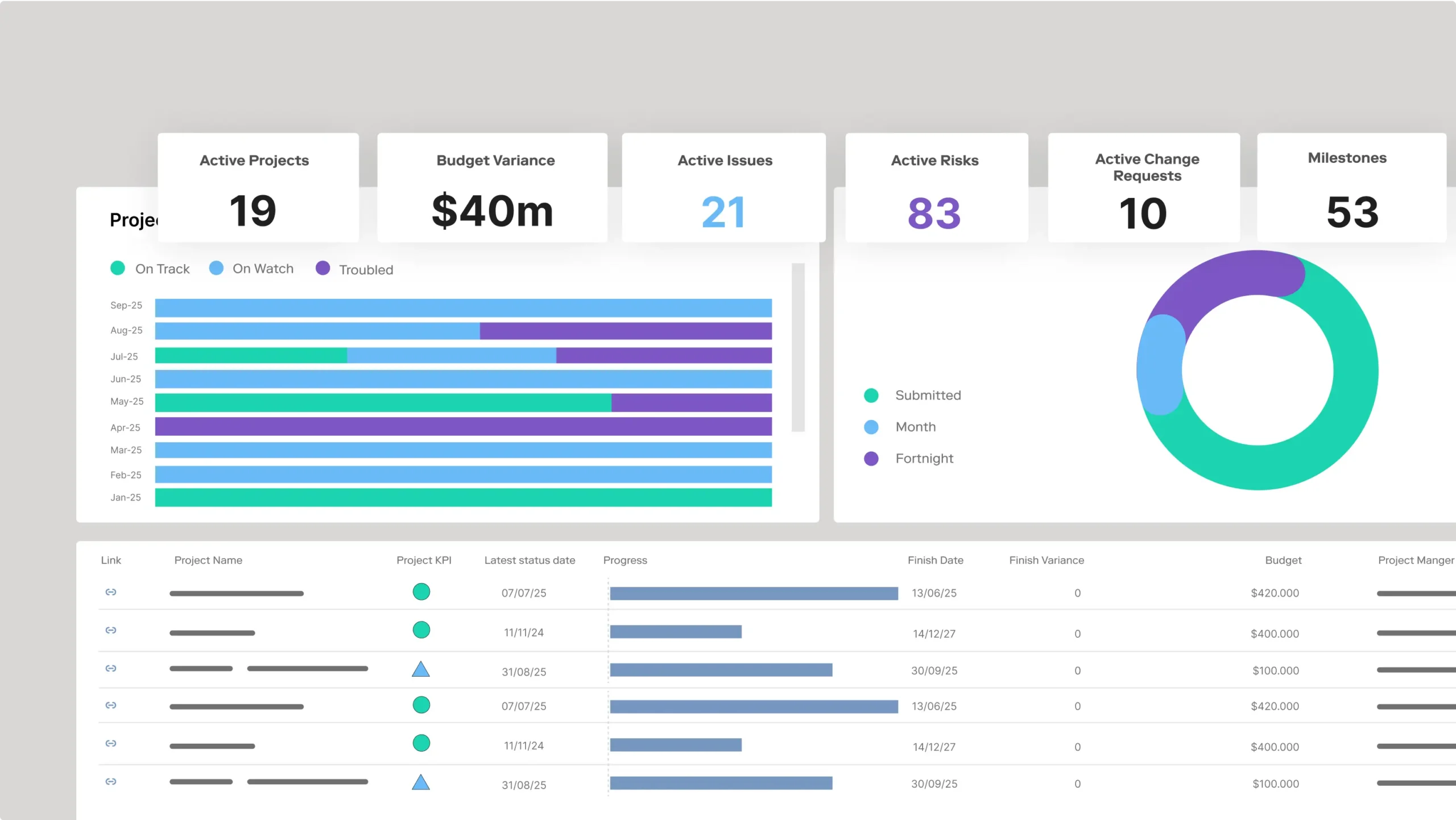
Sync in real-time and manage reporting with Altus

With all the essential reports you need out-of-the-box, plus AI-powered status updates, you can create reports in the loop in minutes, not days.

Need help planning your migration?

We’ve put together a pack of Microsoft Project Online migration resources, including our migration guide and a recording of our recent Ask An Expert webinar in partnership with the team from Sensei.

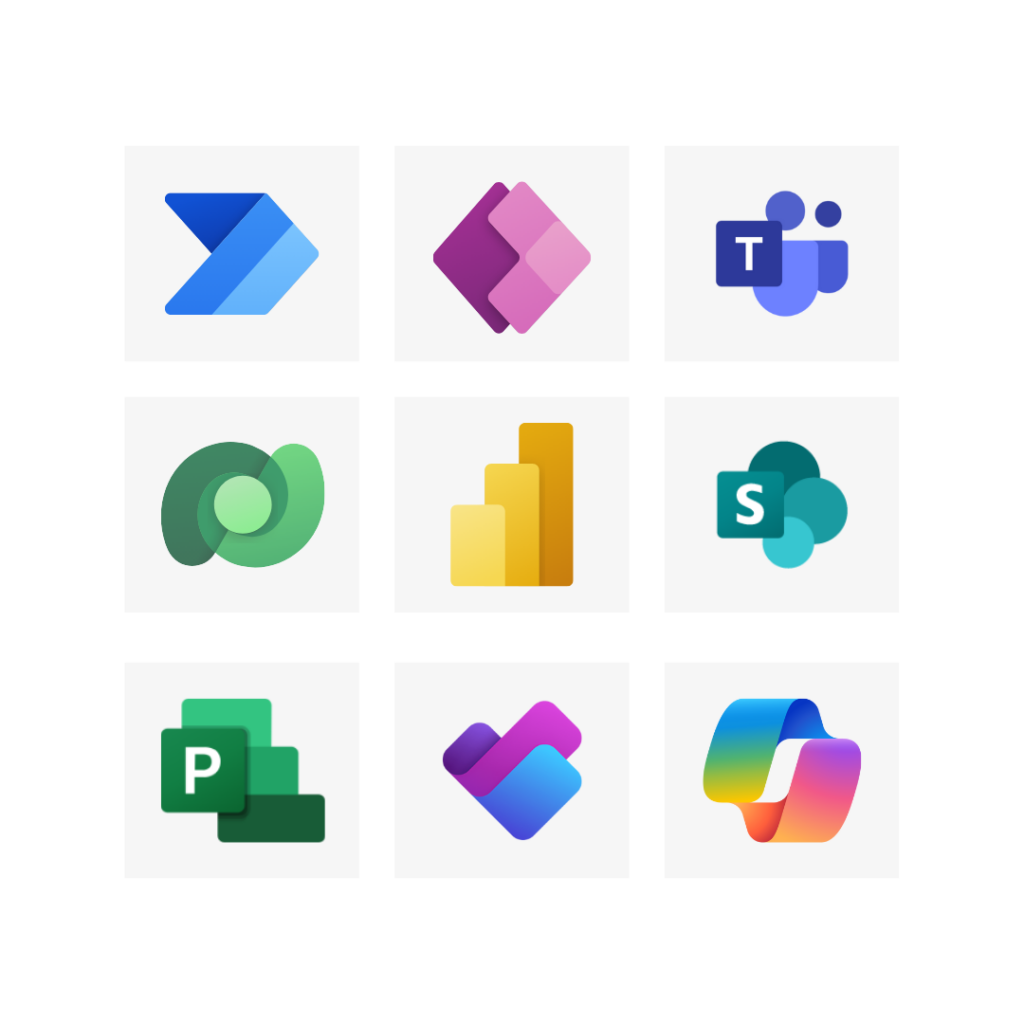
Different Microsoft product icons

Native Microsoft 365 Integration
Altus operates within your own Microsoft 365 tenant ensuring data never leaves your secure environment.

Integration with Microsoft Tools
Altus integrates seamlessly with Copilot, Teams, SharePoint, Power BI, Word, Excel, PowerPoint, and Power Automate workflows.

AI-driven Productivity
Leverage AI powered Microsoft Copilot to enhance productivity, eliminate administration and provide trustworthy guidance on your Project planning and execution..

Seamless Microsoft ecosystem integrations

Planning a Project Online migration?

Book a 30-minute Project Online consultation with the Altus team today.